

One of my learnings from my Peru and Vancouver Island trips was that I should be spending more time creating and hosting my own content. And over time I realised that it was time to self host as much of my infrastructure as possible. I will cover the reasons for this below. This endevour isn’t without the loss of convenience and effort needed to maintain this infrastructure, but for me it was more than worth it.

Having used Google Workspaces for more than a decade, and a free Google account before that, I had a lot of data and dependency on Google that I had to migrate away from. Also I took it as a good opportunity to clean up my data, as I had a lot of junk data and suboptimal processes.
The Why
I think the biggest reason why I wanted to move away from Google was that I felt I was giving up my freedom and indirectly my independence and self of individuality by keeping data on a third party provider. I see my personal data as an extension of myself, as such it was important for me to be in control of it. There are also other reasons – cloud hosted applications seem to be keep getting worse and the lock-in and surveillance getting more perverse. This is simply a case of incentives being stacked against the user’s best interest when you host data with a third party company.
Show me the incentive, and I will show you the outcome.
– Charlie Munger
The only way out of this is to self host your data and use open source software.
Lock-in and En-shittification
Most of the cloud and hosted platforms are steadily getting worse. This is simply because they rely on a model of bringing people in, locking them into the ecosystem and then slowly things keep getting worse for users to the benefit of shareholders. If you don’t like it, the switching costs are high enough that people don’t bother and are forced to keep using the services. The barriers to switching also keep getting higher over time. For Google, I noticed much worse experience when I’m not using Google native integrations eg. Google Password Manager or using other browsers to view Google products. On the contrary, since I already use a lot of open source software, the integrations between them is way better or I could write my own if I want to.
Also unlike open source software, you don’t have the choice of forking the software or continuing to keep using the current version if you have an issue or getting it directly addressed. The lack of community also means that developers are much more disconnected from user feedback than open source software.
Data Sovereignty and Integrations
When I self host my content, I own the data. I can modify however I want it, I can delete whenever I want it, I can use it as I like with my own APIs and my data is private and not used to do things like train LLMs or use my data to benefit other products when there is conflict of interest. Also, with how perverse surveillance is, I prefer to not have it open to surveillance by governments. Lot of services are also changing their terms and may want you to give you their ID to continue to use their platform. There usually is no easy way to migrate your data when that happens. There are also reports online about big tech companies sharing data with governments without your consent when you are in the area where crime may have been committed like with geofence warrants. You don’t need to be a citizen of the foreign government accessing your data for them to share your data without your consent.
After I moved away from Google, I wrote integrations to fetch my data for a browser home page that I designed. Things were much more locked down on Google and something like this is much harder to achieve.
Setup and Migrating Data
For my home infra, I have a trusty fanless server under my desk that I host most of the things with. But I also have few more mini PCs to handle some of the load. I host some critical things like my blog and my password manager on a VPS as well. I will make a post about my homelab setup some other time, but that is a topic for an another post.
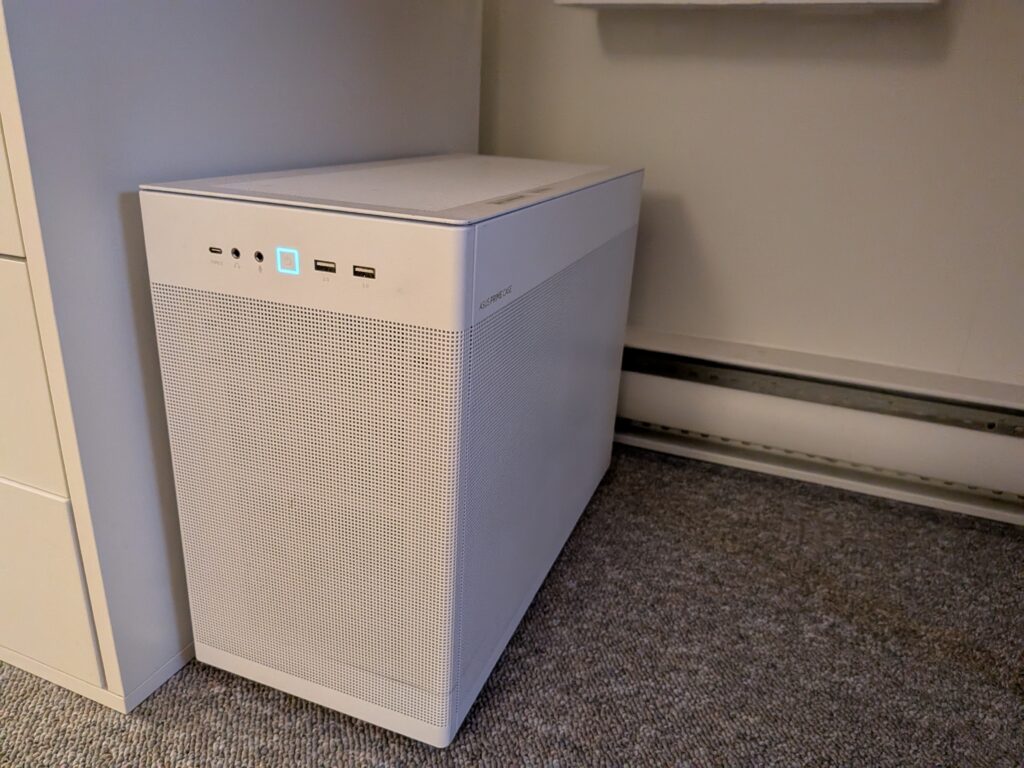
Ofcourse the other and maybe the more logical choice is just to rent a big VPS, but for me that was too expensive of an option because I needed to host a lot of things, while at the same time having good throughput and latency at my primary location. I just used Docker Compose files to deploy most of the software. This is not a tutorial or how to for running these software, but just my experience of running them. I host some services publicly, while others are behind a VPN.
Google Password Manager ➡️ Vaultwarden
First thing I wanted to move was to Bitwarden, primarily because I did not enjoy being locked into Google’s ecosystem for browsing. I chose the Rust based Bitwarden client compatible server Vaultwarden. Setup for Vaultwarden is fairly straightforward. After running it from Docker Compose file, all I had to do was export passwords from Chrome and import it into Bitwarden. Everything worked first try, no gotchas.

I had no issues setting up the clients with Android, Chrome and Firefox. It actually worked much better than Google Password Manager for me as I faced a few bugs with the latter, especially on Chromium on Linux.
Google SSO ➡️ PocketID
One thing that is nice to have is a single way to login to all open source apps and not have to maintain authentication for all of them. I found PocketID to be an excellent solution and it works really well with open source applications and Vaultwarden setup earlier. It works with only passkeys and is very simply to setup compared to other OIDC providers. I can store my passkey for PocketID in my Bitwarden password manager and that way everytime I want to login, I can use that passkey on every platform and browser, instead of saving different passkeys for every different browser or platform.
Most of the software that I set up had support for PocketID with OIDC. And it dramatically improved the login flow and the hassle of having to setup 2 Factor Auth on every single server.
Google Photos ➡️ Immich
Google Photos was my favorite app and I had a lot of photos that I had on the service that I needed to move. The best software option I found was Immich. I used Google Takeout to get my multiple 50GB zip files. I then used Immich-go, an import tool to import them into Immich, which was straightforward.
I found Immich to be very comparable and even better than Google Photos in lot of areas. Other than search and location being a little lacking, I have almost nothing to complain about. One bug that I had was that I had to switch machine learning to another VM on my mini PC, because running it on the same server caused the process to hang with a strange error. Everything was smooth after that. I went ahead and deleted photos from Google Photos to clear out space using this script.
Google Drive/Contacts/Calendar ➡️ Nextcloud
As my main Google Workspaces replacement for main usecase – working with Files, Documents, Slides, Spreadsheets, I decided to go with Nextcloud. I used the AIO image and it was fairly straighforward to implement. For migrating Google Drive over, I did not have a lot of files so I simply downloaded and uploaded them onto Nextcloud.
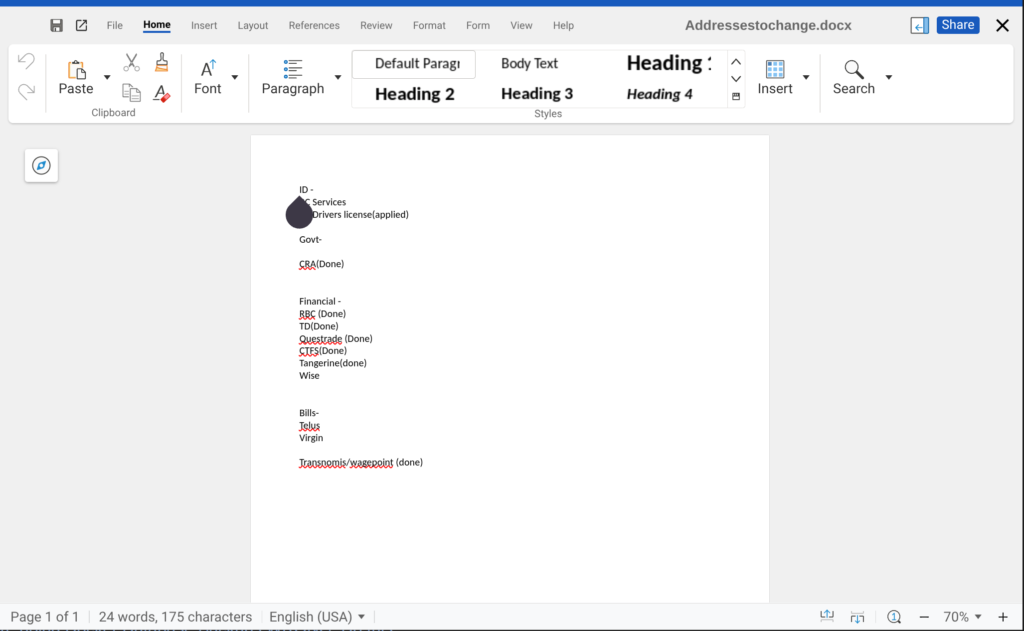
I had an odd bug with Nextcloud’s live web based office suite, Collabora Online, but after working around the bug – which was related to the fact that I had reverse proxy on a different machine than Nextcloud, I was really happy with the setup. The office suite was very comparable to using Google Workspace apps.
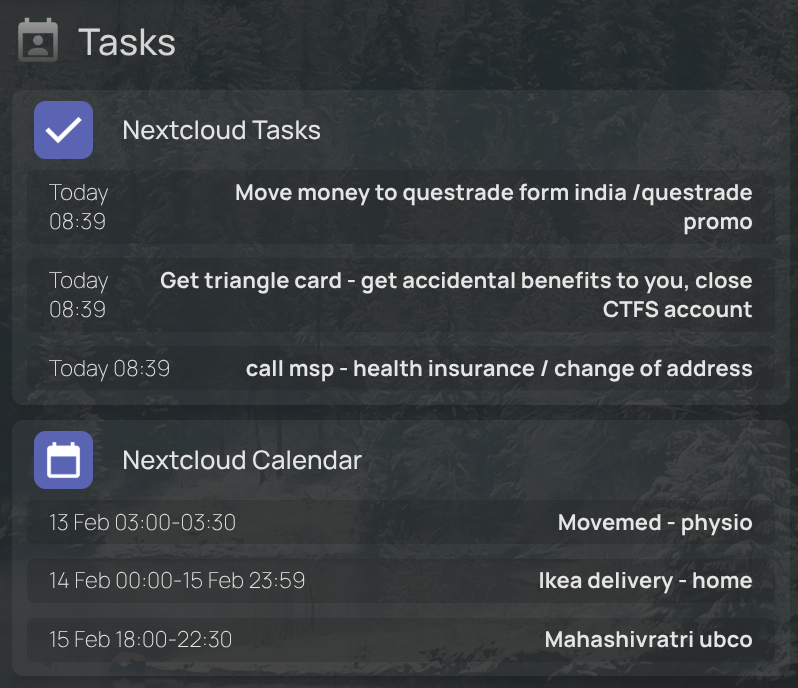
For the Calendar app, I did not have much to move over so just manually copied over my calendar events. For Contacts, there is an option to export from Google Contacts and simply import these into Nextcloud. Overall the process was headache free.
Gmail ➡️ Proton Mail
The main service to move was really Gmail. I thought for a long time if I should be self hosting my email, but decided the headache was just not worth it. So I looked at the next best thing, using a private service like Tutanota or Proton Mail. I really liked Tuta’s service, but decided for the other option because I found the import tooling better and it also had a bridge application for POP3 and SMTP. I need POP3 and SMTP for sending out mail and for attaching it to other applications like Paperless to go through my mail.
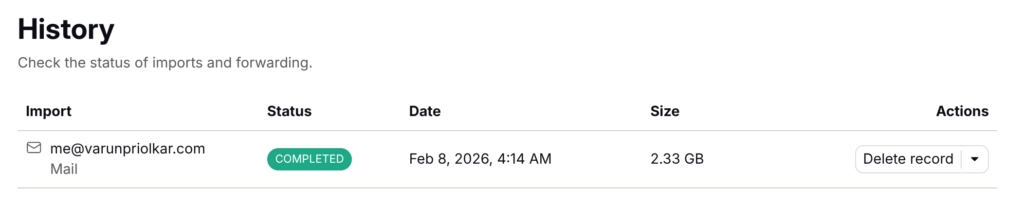
After moving over MX records and switching over SPF and DKIM records, everything was pretty straightforward. Next thing to do was to copy over the mail and I used the pre-built import tool, which worked fine. What was a bit concerning was that I had roughly 5 GB of data in Gmail after cleaning things up, but usage was only half of that on Proton. I did see all my emails tho.
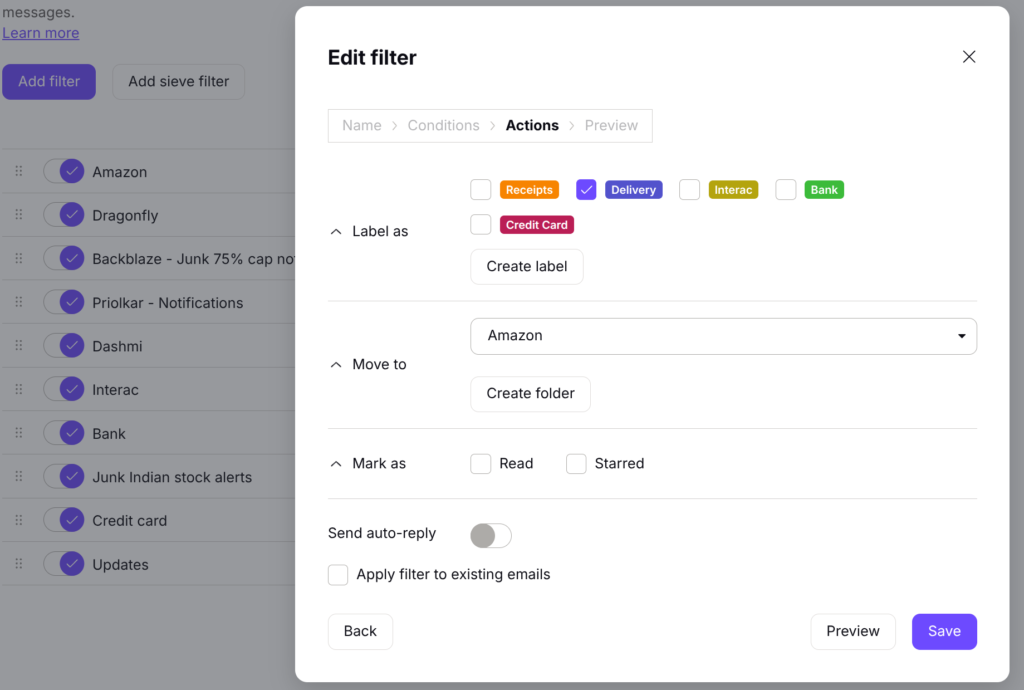
What I did miss was the auto categorisation of emails from the main mailbox into Primary main Inbox, Promotions and Updates. Proton has much better filtering, labeling and categorization and I set those up to do most of the work. However I did have issues applying filters to existing emails, but that’s also because I have a huge inbox and Proton applies filters on the client, since emails are encrypted on the server. I had no problems with filters for fresh emails.
Google Analytics ➡️ Umami
One major thing to migrate over was Google Analytics. The reason I went with the open source option Umami was that it was relatively lightweight I could set it up to escape ad blockers by using a custom domain and custom tracking script. This means I get my real analytics data. Because the use of adblockers is widespread on the internet, by using Google Analytics, you do not get your actual usage. The tracking JS file is also very small leading to better load times for visitors.
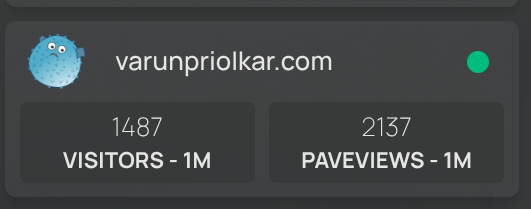
I didn’t migrate any data as I didn’t value historical data and migrating past data between the two is tricky.
Android – Graphene OS
Switching to a private OS on my phone was important for me. When my main phone broke down, I ended up getting Google Pixel 9a at a good price, with the intention of eventually moving to a private OS like Graphene OS. Overtime I feel my relationship with my phone has changed a lot and I only use it for basics – Maps, calling, clicking pictures and basic messaging. Cutting out tracker intensive apps like social media was one very good thing that I did.
I decided to setup Graphene OS on my phone. Installing this was super easy using WebUSB install method and I remember this was much better than manually installing custom ROMs many years back. GrapheneOS is security conscious OS and the point of it is to have security and decouple your phone from Google services as much as possible. You still have Google Play services that runs in a sandbox for applications that you need from the Play store or for using Google Services like for FCM push notifications.
Setup was simple and setting up F-Droid and basic open source apps, Google Camera from Play Store was simple enough to do. I also setup network location services using Apple data proxied through Graphene OS’ servers to get accurate location in inside locations. However there are few things that aren’t as straightforward.
Notifications
One major issue is that most apps rely on Google’s FCM notifications for sending notifications so you are forced to have Google services installed. Most notable absentee that I felt was the Proton Mail app, which even though is open source, relies on FCM for notifications.
- WhatsApp – Has support for their own notifications, doesn’t depend on FCM, but will lead to higher battery drain. This unfortunately is an app that I can’t give up because most of my family uses it.
- UnifiedPush – This works similar to FCM, but you host it yourself. I used NextPush app to have single websocket connection active to Nextcloud. The drawback is that only few apps support this, but it does support DAV X5, my calendar provider.
Overall I realised I don’t need notifications for most things. And notifications in general are harmful because they affect subconscious attention to a great degree. I only have notifications active for messages, WhatsApp, Calendar and Email.
Calendar/Tasks App
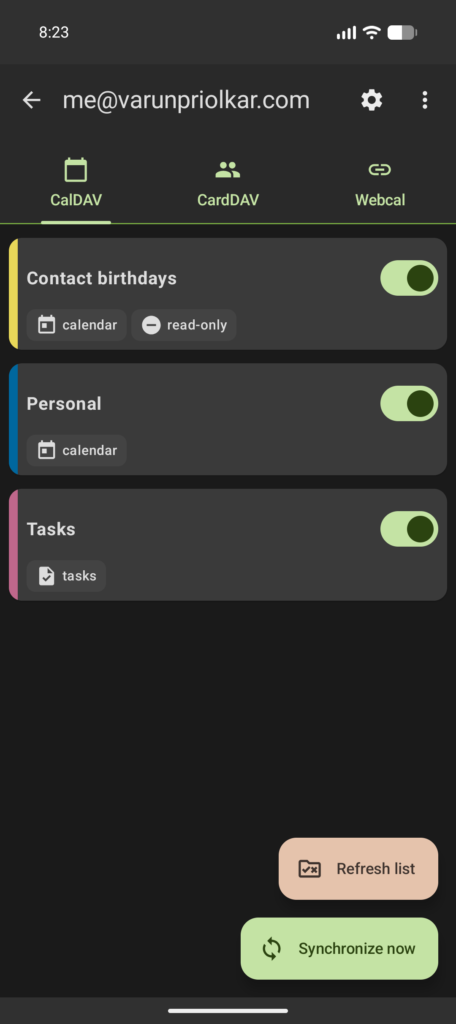
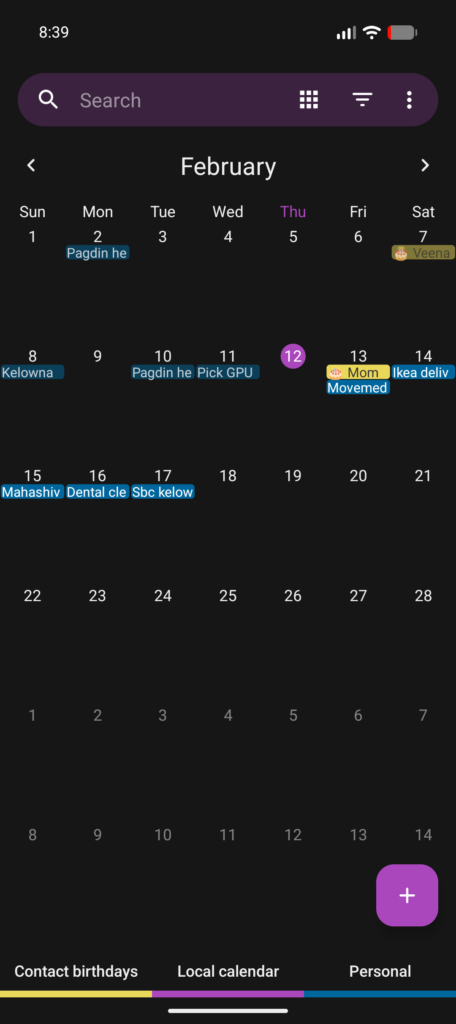
Setting up Calendar and Tasks on Android was simple. I used DAV X5 from F-Droid and configured it with Nextcloud app to get CalDav working for Calendar and Tasks. I had good luck with Fossify Calendar and Tasks.org apps, both of which are open source to use as my Calendar and Task apps.
Play Integrity API issues
One issue that I found with some apps, including most of banking and Payment apps is that they don’t work because they don’t pass Play Integrity. There is no solution to this. I just use physical cards and use bank websites.

I switched from Authy to Ente Auth, which is an open source app to store my Bitwarden 2FA. The remaining 2FA codes are stored on Bitwarden. I still have some older 2FA codes on Authy and I will need to figure out a way to set it up on an another device to move those codes over, which is a headache. I had initially setup Authy because it had an option to sign in from Desktop and browser apps, which they decided to take away.
Other Considerations
Switching from Google Login
Remember all those sign in with Google logins that you setup on all those websites? That’s a huge reason that I feel locked in. There’s no way around fixing that other than going to all those websites and moving those logins over to passwords and TOTP 2 Factor. Also you need to hope that the developers implemented it the right way, because for many websites it’s hard to switch it over.
Moving over YouTube account
YouTube is one of those applications for which unfortunately there is no clear alternative. I have a small YouTube channel where I host my personal videos and I did not want to lose access to those so I decided to switch it over to my personal account.
An easy way to do this is to move the channel to a brand account. After that, you can add your personal account for management and switch ownership to that account. I still need to get this done and I am waiting to migrate my Google Workspace 2FA code from Authy to Bitwarden before being able to get this done.
Moving over Google Embeds
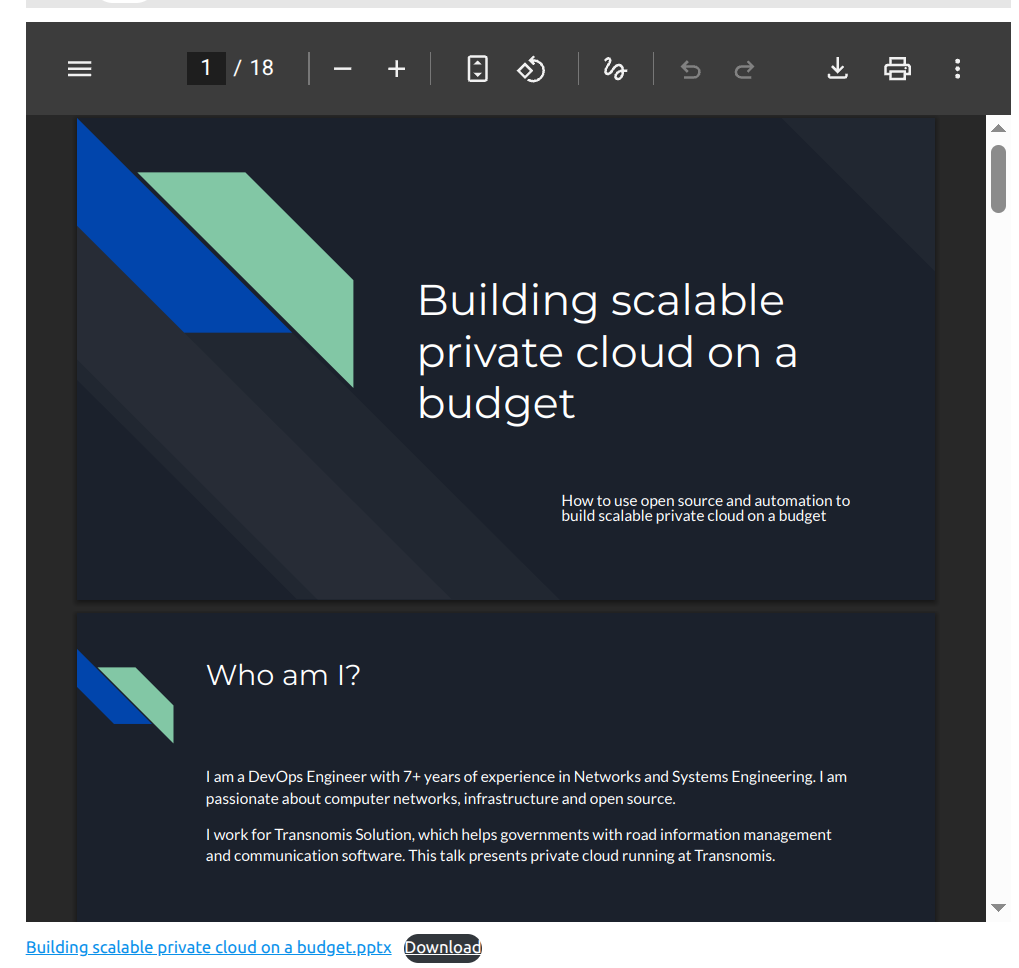
On this blog, I have several posts where I have embedded Google Slides into the web page. The best way I found to move them over is simply to export them as PDFs and embed them directly as a file in WordPress. I found that it works pretty well.
Backups
One major thing to take care of when you self host services is backups, because they are critical and when you need them you really need them. I decided to go for multi-tier backup structure.
- VM level backups – I used Proxmox Backup Server to back the backups to Backblaze S3. For some critical services that are hosted on a Vultr VM, Vultr does backups.
- Docker level backups – I also take Docker application backups using
offen/docker-volume-backupimage to Backblaze S3. These are heavily customized depending on the application, with some applications needing a pre-script to dump the DB for eg.
Conclusion
This took a solid couple of months for me to setup and iron everything out, but I feel this endevour was very much worth it. I feel it is important to have a healthy relationship with technology and software and I have always felt open source software and self custody of data to be healthier than hosting it on cloud applications. Even though there are challenges and effort required, Docker and setting up monitoring infrastructure does take a lot of the pain out of it.
One good example of self hosting working out for me is this blog. This blog is nearly a decade old now and it is still alive and you are reading this data openly instead of being locked behind some third party website that may want you to login or subscribe or sell your data just to read the content. I also am sure that this content will never go away if a company decides to change their mind regarding some product or decides the content needs to be taken down. I feel more free now and that is what this was about for me.