

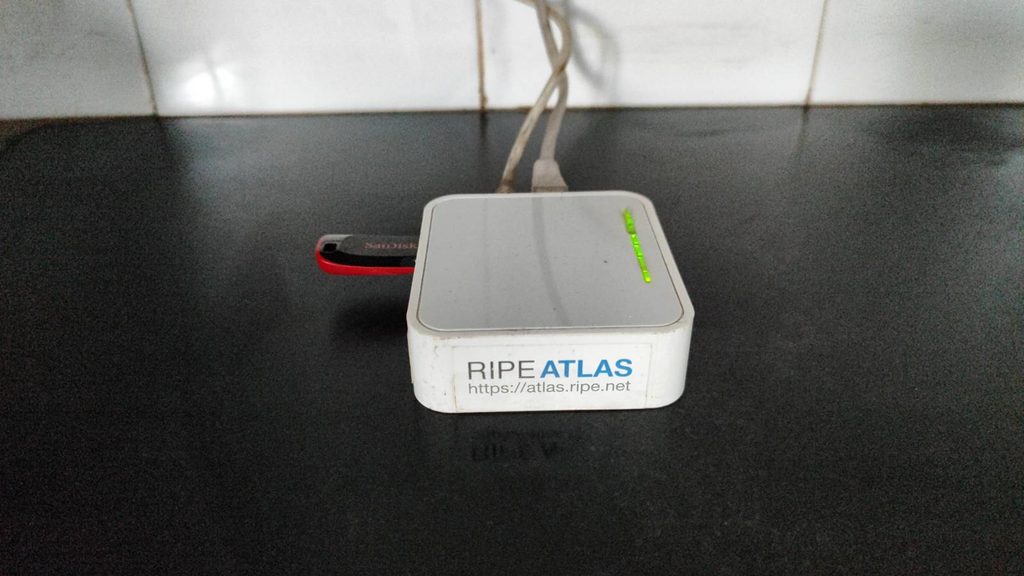
10 years ago, my friend sent me a RIPE Atlas Probe to be plugged into my home network in India for contributing to an open worldwide internet diagnostics measuring network. Other than a USB hardware failure because of which I had to replace the USB stick, the probe has been working perfectly all this time. It is simple enough that it is simply plug and play and I don’t need to bother about any updates and software issues, which is perfect because I can only make it to my home in India every few years and my family isn’t technically savvy to handle issues around the probe. It also acts as a superb uptime monitor for your internet.
Ever since then I have had multiple attempts at hosting probes in software. However for some reason or the other they end up getting abandoned after a few years. Sometimes because of hardware failure, like the one that I was hosting on my Raspberry Pi or simply that I migrated my software stack at some point and I didn’t bother with moving it over. The software probe also needs you to update it every time RIPE releases an update and if you are hosting it on a system with other things, it can be cumbersome to plan around. The other option is Docker, but the networking forces you to do double NAT, unless you do some workarounds. I could also put it on my MikroTik switch, but I wanted to protect the NAND on an expensive device.
So keeping that in mind, I decided that I need to shop for a device with following requirements.
- It has to be cheap.
- It has to be small and lightweight.
- It has to run an open firmware or support it.
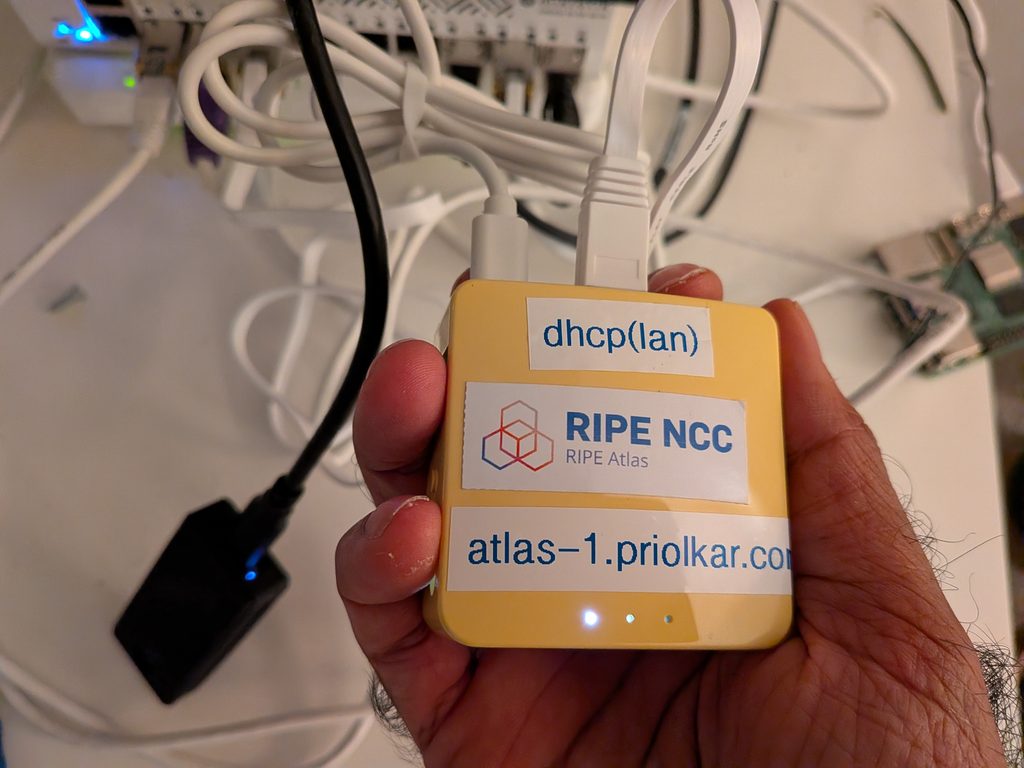
After some searching I stumbled upon GL.iNet GL-MT300N v2, which I picked up from Amazon for C$42.
Installing OpenWrt
Although the default image was based on OpenWrt, it was an older version so didn’t have the latest RIPE Atlas package required to run the probe. Also there was only 1.9MB of disk space left on the image. So I went to the OpenWrt wiki page for the device and flashed the sysupgrade image.
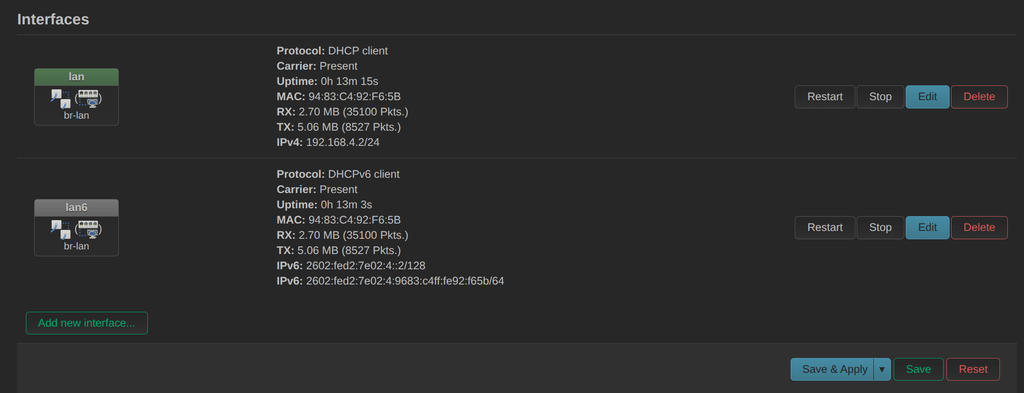
I could access the webui on default IP 192.168.1.1. After that, I had to disable DHCP server, DHCPv6 server and Router Advertisements running on LAN and enable DHCP and DHCPv6 clients on the same interface. I decided to put it in a separate VLAN and untagged the port with that VLAN ID on my switch. You could just put it in your LAN as well, but I wanted a little more security.
That’s all there to it. Next we will set it up as a RIPE Atlas Probe
Setting up RIPE Atlas Probe
All I had to do was install the ripe-atlas-probe common from the Luci webui and start the service.
/etc/init.d/ripe-atlas start
/etc/init.d/ripe-atlas enable
Then setup SSH and once you login look for a key in /etc/ripe-atlas/probe_key.pub . You should also save the key in /etc/ripe-atlas/probe_key just incase.
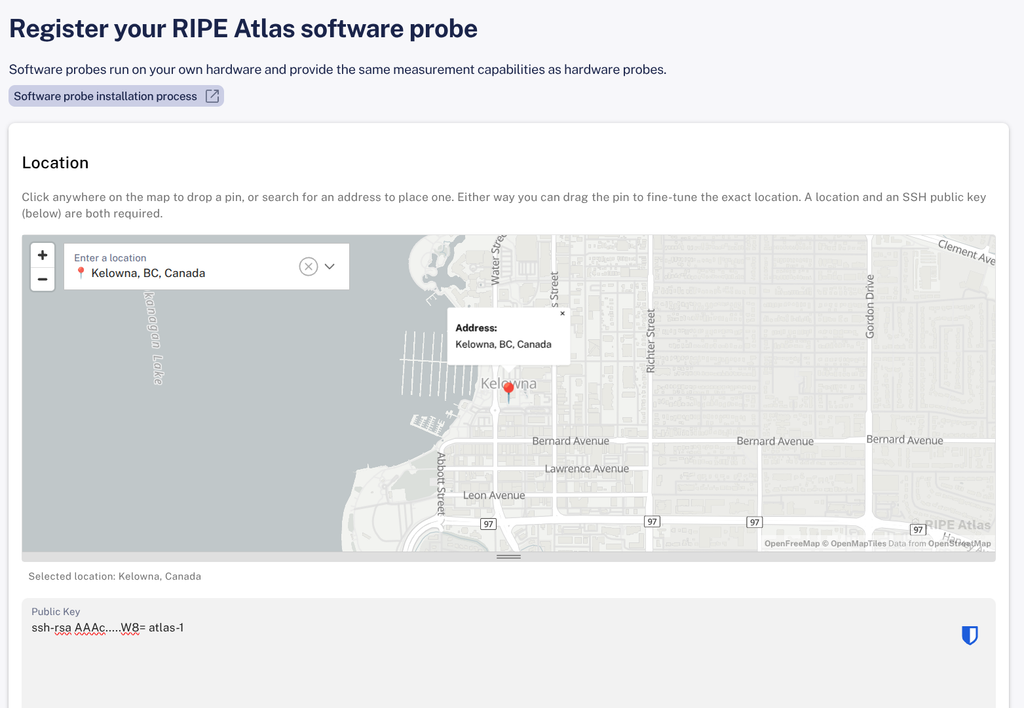
ssh-rsa AAAc.....W8= atlas-1I then went to RIPE’s website to register the probe. All you need to do is set the location and copy paste the key.
One thing to note is that you will need to install procd-ujail package, otherwise the process runs as root.
[Oct 24, 2026, 20:18:48 PDT] daemon.warn: ripe-atlas: ujail or user ripe-atlas missing, running the probe as root
After that you should be good to go and the probe should be popping up on your RIPE Atlas portal. From there you can change a few more settings and give it a nice name.
Handling updates
RIPE does upgrade probe software often and it is your job to stay upto date. When your probe goes out of date, you will get an email from RIPE to do the update.
I found a simple solution to this and that was to update just the relevant packages via cron. I added the following to /etc/crontabs/root file and enabled/started the cron service.
0 3 * * * apk update && apk upgrade ripe-atlas-probe ripe-atlas-commonNote that you will still need to perform system upgrades periodically. You could automate that with cron and owut too, but the risk and downtime would be higher.
I also routed the probe over an instance of Zerotier I run on my border router, but you could also install Zerotier or Wireguard on the router to remotely access it.